
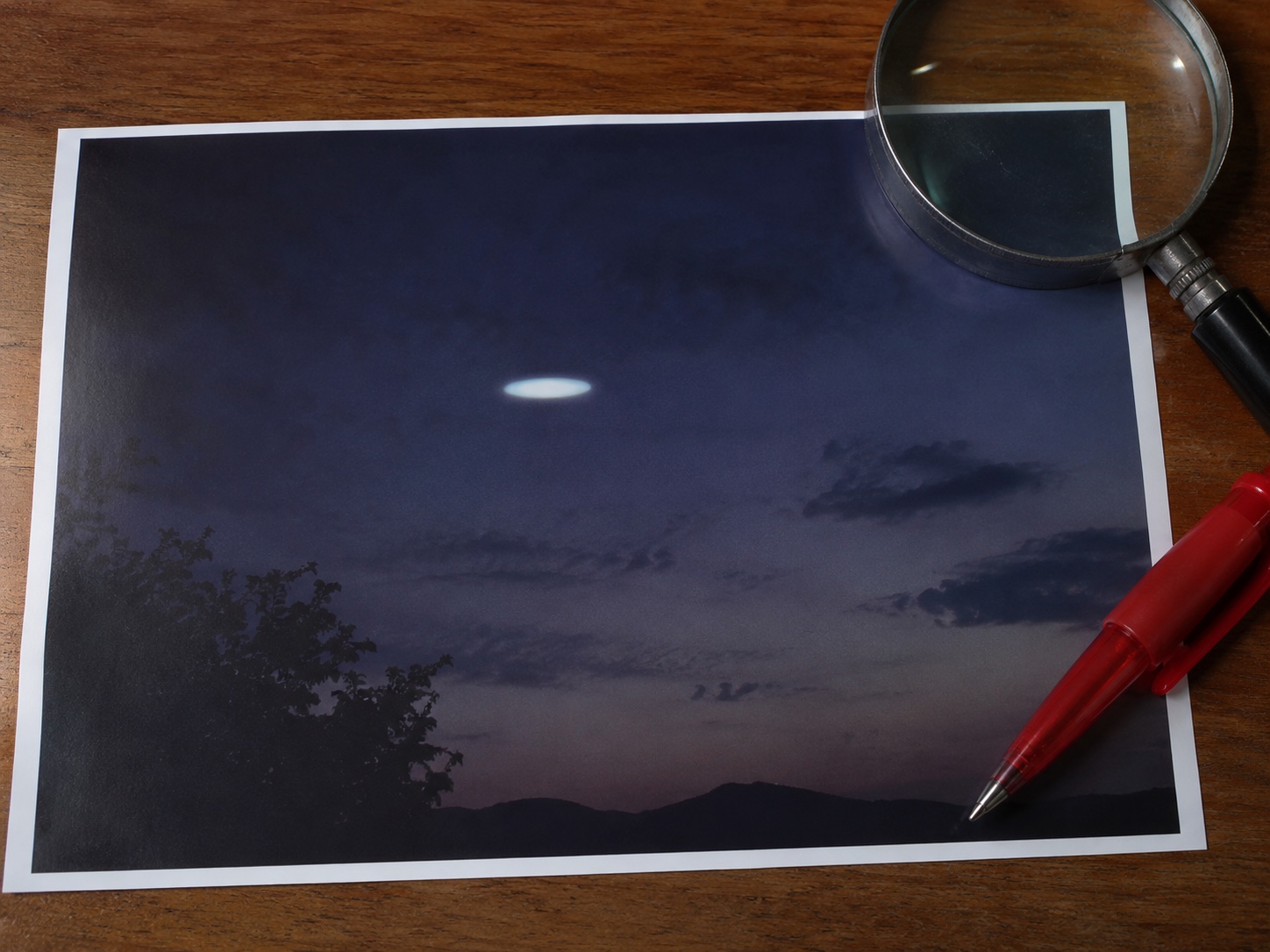
IN SHORT
Most photos that seem to show a UFO can be explained by camera artifacts (lens flare, lens ghosts, blur) or by known phenomena such as satellites, planets and aircraft. The basic order of analysis is: check the shooting information → check for camera artifacts → check for editing → check the source → cross-check against known phenomena → check for assumptions.
1Check the shooting information
Without knowing when, where and in which direction a photo was taken, you cannot cross-check it against known phenomena. Start by checking the shooting information.
Exif data (metadata)Shooting information attached to a still image, which may include the date and time, the camera used and GPS data. Metadata can be deleted or altered, however, so it cannot settle whether an image is genuine on its own. It is one supporting item when verifying images and video.Basic items to recordThe core information in an observation record, and the basis for any cross-check: what was seen, when, where, in which direction and for how long. Without these, there is nothing to cross-check. Leave out impressions and interpretations at this stage; first write down only what can be recorded as observed fact.2Suspect camera artifacts
A light that shows up only in the photo, though it wasn't visible to the naked eye, is often an artifact created by the lens or the way the camera works.
Lens flareLens flare occurs when strong light enters a lens, producing rings, streaks, hexagonal or octagonal spots of light, or haze in photos and video. Ghosts often appear on the opposite side of the frame's center from the light source, and move in the opposite direction from the source when the camera moves. If a spot of light shows up in a photo but was not visible to the naked eye, consider this possibility first.Lens ghostA lens ghost is an optical image created by reflections inside a lens; several shapes resembling the real light source may appear. Ghosts often show up as round rings of light or partial arcs. Along with lens flare, they are a cause of misidentification in photos and video to watch out for.Out-of-focus blur and camera shakeWhen a shot is out of focus, a light source that is really a point can appear as a round, hexagonal or octagonal blur shaped by the lens, and be mistaken for a “disk-shaped object.” Camera shake stretches points of light into lines or arcs, producing images in which a light seems to have “suddenly accelerated” or “abruptly changed direction.” Long exposures without a tripod can also record stars or aircraft as trails that seem to move a long way.3Check for editing or AI generation
Automatic smartphone enhancement, compression and AI image generators can create shapes and lights that were never really there.
Image processing, compression noise and AI enhancementVideo posted to social media or video platforms loses detail through file compression, which can produce blocky noise and shapes or patterns that were never there. Smartphone AI enhancement and low-light processing, as well as upscaling and sharpening software, can also emphasize outlines, structures and colors that did not exist. Use the original data for analysis, and avoid drawing conclusions from processed data alone.Typical signs of fake videoFeatures that tend to appear in composites made with CGI or image editing: inconsistent light and shadow, object motion that does not match camera motion, inconsistent resolution within the footage, and reuse of existing footage. Judging light and shadow takes specialist knowledge, and amateur judgments are prone to error.4Trace where the photo came from
Photos circulating on social media are sometimes reposts of pictures taken in a different place or in a different year.
Reverse image searchUsing tools such as Google or TinEye to check whether the same image or video has been used before in a different context. It is an effective basic way to find reused footage, and many fakes turn out at this stage to match existing material.Levels of information (primary, secondary, tertiary)A way of classifying information by its distance from the source. Primary information is closest to the event, such as the photographer's own original file or an official body's original records; secondary information is articles or reposts that edit or comment on it; tertiary information and beyond has been changed further. In the spread of UFO information, tertiary or even fourth-hand information is often treated as primary, so the habit of checking which stages a piece of information has passed through is the starting point for evaluating it.5Cross-check against known phenomena in the sky
Once you know the date, time and direction, you can compare the photo with information on satellites, planets, aircraft and so on.
Cross-check flowThe procedure for comparing organized observation data with known information. After confirming the basic information, cross-check in this order: space-related objects → astronomical information → aviation information → weather information → optical artifacts in photos and video. Tools include ISS and Starlink pass predictions, astronomy simulation software, flight trackers, and the Japan Meteorological Agency's AMeDAS weather data.Starlink satellitesFor a few days after launch, SpaceX's Starlink satellites can be seen as a “satellite train”: several satellites moving in a line at regular intervals. Because of this unusual look, with evenly spaced points of light moving in a straight line, they have been reported around the world as “a mysterious line of lights.” Once in orbit they spread out as individual satellites, so the train appearance is limited to the short period right after launch.Bright planets (Venus, Jupiter)Venus and Jupiter are very bright and stand out in the western sky in the evening or the eastern sky before dawn. When low in the sky, the atmosphere can make them seem to waver or change color, and if they slip in and out of gaps in the clouds they can seem to “keep appearing and disappearing.” For a bright light that stays in roughly the same place for a long time, consider planets and stars first.6Watch out for your own assumptions
People readily find meaning in ambiguous shapes, and the expectation that “it might be a UFO” affects what they see.
PareidoliaA perceptual phenomenon in which we see faces or meaningful shapes in irregular patterns or ambiguous forms. If a point of light whose outline has broken up from compression noise or poor focus seems to have “a disk-shaped structure” or “window-like markings,” pareidolia may be at work. Images with AI enhancement or enlargement make this even more likely.Expectation effectWhen people look up at the sky expecting that they might see something, they tend to notice lights and movements they would normally ignore. One reason places known as UFO-watching spots get many sighting reports may be that observers' attention is directed that way.
FAQ
What is the round light in my photo?+
Most often it is lens flare or a lens ghost, created when a strong light reflects inside the lens, or a small out-of-focus particle (dust, a water droplet, an insect) lit up by the flash. Whether you could see it with the naked eye when you took the photo is a key clue.
How do I check when and where a photo was taken?+
Shooting information attached to a still image, which may include the date and time, the camera used and GPS data. Metadata can be deleted or altered, however, so it cannot settle whether an image is genuine on its own. It is one supporting item when verifying images and video.
How can I check whether a UFO photo online is real?+
First, find out where it came from. Using tools such as Google or TinEye to check whether the same image or video has been used before in a different context. It is an effective basic way to find reused footage, and many fakes turn out at this stage to match existing material.
Is there somewhere I can post photos I took?+
On this site's Sightings Board you can post your photos together with the date, time and place. The site's operators check the content before it is published. The board is in Japanese.
You can post your photos to the Sightings Board (in Japanese). For other ways to tell things apart, see How to identify UFOs.

GRADE 2 · OPEN
Grade 2 covers photo and video verification in depth.
Checking the reliability of testimony, photos and video, and organizing observation records, are part of the Grade 2 exam. Passing makes you a Licensed UFO Kanteishi.
- Grade 2 Official Guide (PDF, English) with a 40-question practice exam, plus an exam ticket
- 40 questions, 60 minutes, pass at 80
- Up to 3 attempts within 60 days of purchase
- After purchase, you receive an email with your exam details and a sign-in link
$39USD
Already purchased? Sign in
UFO Kanteishi Exam, Grade 3
Free, no account needed. 20 questions on observing, recording and cross-checking. Pass and get a certificate with a verifiable number.
To become a Licensed UFO Kanteishi, take Grade 2 (Official Guide + exam).