
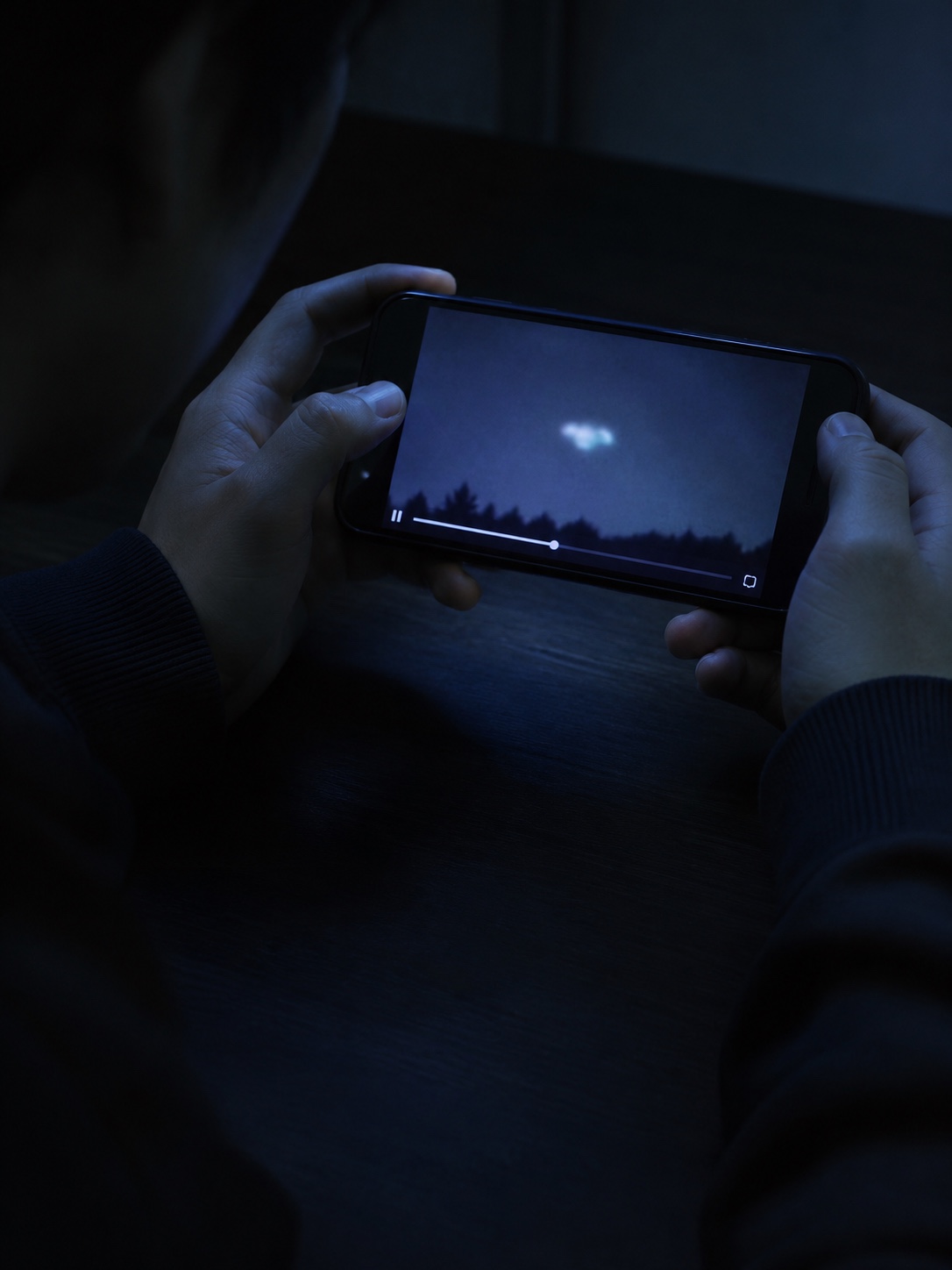
Key points
- With the spread of generative AI, it has reportedly become easy to make realistic UFO videos.
- Major generative AI tools are starting to add digital watermarks and signed metadata, but these can be lost through re-uploads and screenshots, so the presence or absence of a watermark alone settles nothing.
- Physical inconsistencies in fingers, text, shadows and light are clues, but improvements in generation quality are said to make visual detection harder.
- Cutting a frame from the video and running a reverse image search can sometimes trace it back to its first appearance and source.
- The most reliable check is the source (who filmed it, when and where) and corroboration from several reliable sources.
Talk of "clear UFO videos going around" has grown even more in recent years. Behind this is the spread of generative AI. Articles have even covered tools that make realistic UFO footage easy to create, so the steps for checking whether a video spreading on social media was actually filmed or made with AI matter more than ever. "Unidentified" here describes something that has not been identified; it does not mean genuine or extraterrestrial.
Why realistic UFO videos have increased
In the past, what got shared as "something like a UFO" was mostly blurry photos and short videos. In recent years generative AI (video generation tools) has improved, and it has reportedly become relatively easy to create realistic footage that includes glowing objects or disc-shaped objects floating in the sky. There are in fact articles introducing fake-video generators that claim to make realistic UFO footage easily.
Footage made with these tools is high quality and moves naturally, so you may not notice it is fabricated just by looking. That is why you need to keep a video's "visual persuasiveness" separate from whether it records a real event.
Checking for AI generation: watermarks and glitches
Major generative AI tools are starting to add mechanisms that mark their output as generated. According to reports, efforts are under way to attach invisible embedded digital watermarks and signed metadata (provenance information) showing who made something and with which tool. But these are not foolproof.
"No watermark" does not mean "real"
Visual glitches are also clues. Unnatural numbers or shapes of fingers and hands, garbled text on signs, shadows or light that do not match physically, objects that suddenly appear or vanish, and footage that always stays on a single angle are all reasons to suspect generation or editing. But improvements in generation quality have made visual detection harder, and one report found that people correctly identified high-quality deepfakes only about 24.5% of the time. Finding no glitches is not proof that a video is real.
Trace the first post and source with reverse image search
When you cannot decide from how the footage looks, trace where it came from. Cut out a frame (a still) from the video and run a reverse image search with an image search tool, and you can sometimes find when and where the same footage was first published. Google's image search feature (Google Lens) is said to now work with photos and videos displayed on screen as well.
- 1Pause the video and save a screenshot of a distinctive scene.
- 2Run the saved image through a reverse image search and find out how long the same or similar images have been circulating.
- 3Check whether you can reach the post or page where it was first published (the first post).
- 4Cross-check whether the description and shooting conditions differ between the first post and what is said on social media.
If the same footage was used earlier in an old post or in a different context, that contradicts the claim of "an unidentified object filmed recently." Reverse image search is a clue for spotting this kind of reuse or swapped source.
The more sensational the footage, the more you should check primary sources
Clear, shocking footage spreads easily, and you also need to consider that it may have been made to attract attention. The most reliable check is the source (primary information about who filmed it, when and where) and corroboration by several reliable third parties. This is consistent with how fact-checking works in practice.
What to check when you see footage
Even something that looks like a glowing or disc-shaped object can often be explained by known phenomena such as satellites, aircraft, planets, weather phenomena or lens reflections (orbs). Alongside asking "was this made with AI?", asking "could this be a known phenomenon?" makes it easier to judge calmly.
"It was in the news" does not mean it is real
Being featured on TV or online media does not prove that footage records real events. How far something spreads, or whether it was reported, is a separate question from whether its content is true. In the past, footage broadcast by a major TV network that became a worldwide talking point was established years later as a hoax, after people involved in making it confessed.
When you see footage, it helps to make a habit of checking in this order: source, original, third-party confirmation, rather than going by how clear or talked-about it is. For what cannot be confirmed, it is safest to hold off, without deciding it is either real or fake.
FAQ
How can I tell if a UFO video was made with AI?+
It has become hard to tell reliably by appearance alone. Glitches such as garbled fingers or text and inconsistent shadows or light are clues, but improvements in generation quality reportedly make visual detection difficult, and a video with no glitches is not necessarily real. The reliable approach is to cut out a scene, trace its first post with a reverse image search, and check primary information such as who filmed it, when and where, along with corroboration from several sources.
If a video has no watermark, is it real?+
Not necessarily. Generative AI watermarks are often invisible and embedded, so you cannot confirm them by looking. Signed metadata can also be lost through screenshots or re-uploads, and not every tool adds it, reportedly. Not finding a watermark is not proof that a video is real.
How do I use reverse image search?+
Pause the video, save a screenshot of a distinctive scene and run that image through a reverse image search. Google's image search feature (Google Lens) is said to work with photos and videos on screen as well. Trace when and where the same footage was first published (the first post) and cross-check it against the description on social media.
Is clearer footage more trustworthy?+
Clarity does not guarantee reliability. Generative AI can reportedly make clear footage easily, and the more shocking the footage, the more you need to consider that it was made to attract attention. More important than clarity is checking the source (who filmed it, when and where) and corroboration from several reliable sources.
UFO Kanteishi Exam, Grade 3
Free, no account needed. 20 questions on observing, recording and cross-checking. Pass and get a certificate with a verifiable number.
To become a Licensed UFO Kanteishi, take Grade 2 (Official Guide + exam).
Related reading
How to evaluate UFO information
Read
The Truth About the Alien Autopsy Film
The 1995 Alien Autopsy film was broadcast worldwide, until those involved confessed it was shot with a dummy. How the hoax was established.
Read
What Orbs in Photos Really Are
How to identify round "orbs" in photos, based on known phenomena: lens flare, lens ghosts, out-of-focus blur and ball lightning.
Read